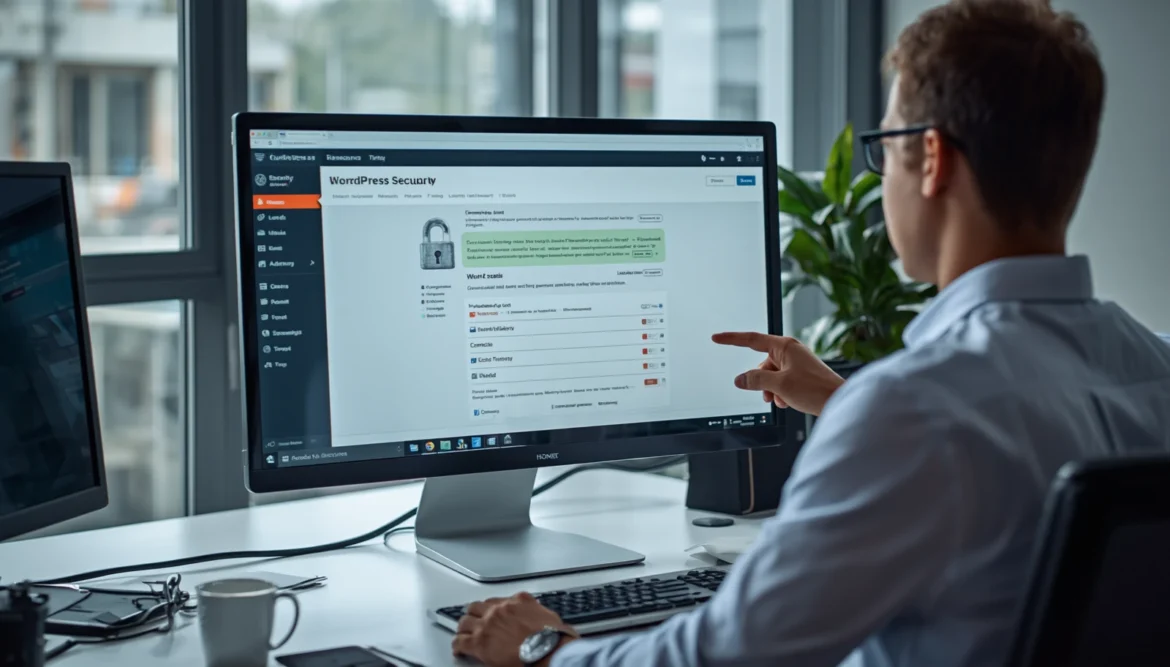
Most website owners do not realize how fragile a login page can be until it starts drawing the wrong kind of attention. A site can look polished, load quickly, and still carry a hidden weakness that quietly invites trouble.
The mistake I missed was simple, but the impact was not, I let a WordPress Security Mistake sit in plain sight, and I treated it like a minor detail instead of a real threat. That is exactly how a basic login habit can turn into a serious security gap.
The WordPress Security Mistake I Made
I thought my setup was fine because nothing had gone wrong yet. Looking back, that confidence was the problem, because the weakness was already there and waiting.
The Disabled Two Factor setting made the login area easier to target than I understood at the time. Once I noticed that, the rest of the story started to make sense.
Why I Ignored Two Factor Authentication
I kept telling myself that a strong password was enough. It felt convenient, fast, and harmless, but convenience is often the first place security begins to slip.
Bruce Schneier has long emphasized that security is not a single product or switch, it is a process. That idea fits WordPress perfectly, because one password can never do the work of a layered defense.
My Admin Login Stayed Unprotected
My admin area stayed exposed because I did not give it the level of care it deserved. I left the door open to repeat login attempts, and that made the whole site easier to pressure.
A protected login should not be an afterthought. It should be one of the first things you harden when you build or manage a WordPress site.
The Risks I Didn’t Notice
I did not notice how quickly small weaknesses can become visible to bots, scanners, and automated attacks. What looked invisible to me was not invisible to them.
Troy Hunt has repeatedly warned that account security becomes much stronger when login protection is layered instead of single, point. That is the part I missed, and it is why the risk grew quietly.
What Happened After Skipping 2FA
Once the protection layer was missing, the warning signs came faster than I expected. The site did not collapse immediately, but it started showing the pressure that comes before real damage.
The WordPress login security issue became harder to ignore once I saw how often the system was being tested. The pattern was noisy, repetitive, and far from random.
More Failed Login Attempts
The first sign was a rise in failed login attempts. They kept coming in waves, which made the pattern look automated rather than human.
That kind of activity is exactly why login protection matters. A site without two, factor authentication gives attackers a much easier path to keep trying.
My Website Became Vulnerable
After that, the site felt more vulnerable in a broader sense. A weak admin gate does not stay isolated for long, because it affects how the whole system is perceived and targeted.
A stronger admin setup protects more than the dashboard. It protects the confidence, stability, and future of the site itself.
Security Alerts Started Appearing
Then the alerts started appearing, and that changed the tone completely. The problem was no longer theoretical, it was visible and active.
That was the moment I understood that a small login oversight can create a much bigger security chain reaction than most people expect.
How I Fixed My WordPress Security
I stopped treating login security as optional and started treating it like a core part of the site. That shift made the fix much more straightforward.
The WordPress security best practices approach worked because it was practical, not dramatic. It focused on simple actions that close real gaps.
Enabling Two Factor Authentication
The first fix was enabling two, factor authentication again. That single move immediately made the login process harder to abuse.
From that point on, a password alone was no longer enough, and that was exactly the change I needed.
Securing Every Admin Account
Next, I checked every admin account and removed anything unnecessary. I wanted every login to have a purpose, a clear owner, and a stronger layer of protection.
If an account can access the dashboard, it should be protected as carefully as the site itself.
Strengthening Login Security
I also tightened the full login flow so it would not be easy to probe repeatedly. The goal was not to make things complicated, the goal was to make them dependable.
A secure WordPress site is not built on luck. It is built on habits that reduce exposure before trouble starts.
Protect Your WordPress Before It’s Too Late
Your website security starts with the decisions you make today. Do not wait until suspicious activity appears before improving your protection.
Take action now by strengthening your WordPress login, enabling better security layers, and keeping your website prepared for future threats.