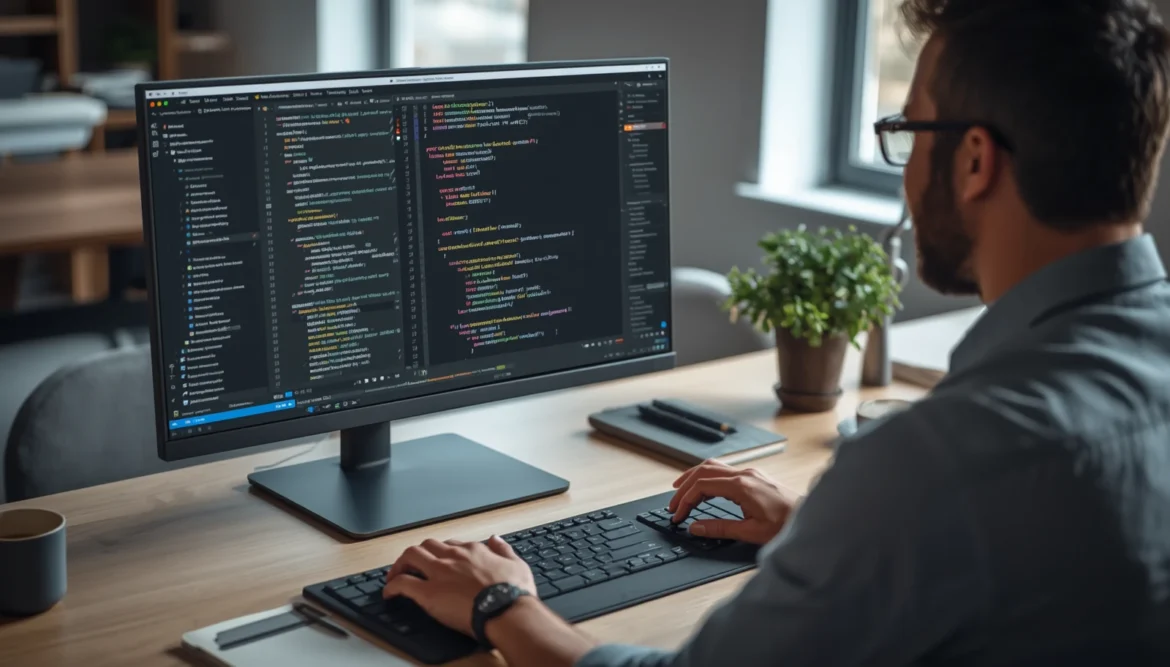
Building a WordPress project is not only about creating pages and adding features. Behind every successful website, there are countless decisions, adjustments, and technical challenges that require patience and precision. Many developers spend hours solving small coding problems that slowly consume valuable time and reduce focus on bigger improvements.
My experience with GitHub Copilot WordPress changed the way I approached website development. Instead of spending most of my time handling repetitive coding tasks, I started using AI assistance to improve efficiency, discover better solutions, and create a smoother development process. This shift helped me understand that modern WordPress projects are no longer only about writing code, but also about creating smarter workflows.
Why I Tried GitHub Copilot
When I started improving my WordPress development process, I realized that many tasks were taking longer than they should. Simple adjustments, repeated code structures, and troubleshooting issues often interrupted my creative flow. I wanted a solution that could help me work faster without reducing the quality of my projects.
Repetitive Coding Tasks
One of the biggest challenges I faced was dealing with repetitive coding activities. Creating similar functions, adjusting theme files, and writing common code patterns repeatedly required a lot of concentration and time.
With AI, powered assistance, I could generate suggestions, review possible approaches, and improve my coding decisions. Instead of rebuilding everything manually, I could focus more on website structure, user experience, and performance improvements.
Problems During Development
During WordPress development, unexpected issues can appear at any stage. A small error in PHP, JavaScript, or CSS can affect the entire website and create delays that are difficult to predict.
Using Copilot helped me analyze problems more efficiently by providing alternative coding solutions and explanations. This made debugging easier and allowed me to maintain better code organization throughout my projects.
Setting Up Copilot
Setting up Copilot was a simple process that became an important improvement in my development environment. After connecting it with my preferred code editor, the system could understand the context of my work and provide relevant suggestions.
The biggest benefit was not only faster coding, but also having another perspective when solving technical challenges. Sometimes a different approach can reveal a simpler solution that was previously overlooked.
Improving My WordPress Workflow
After integrating AI assistance into my routine, I noticed a significant improvement in how I managed development tasks. The technology did not replace creativity, but it supported a more organized process where repetitive work became easier to handle.
My WordPress Coding Workflow became more structured because I could spend less time searching for basic solutions and more time improving important parts of the website. This allowed me to focus on building websites that were more functional, flexible, and easier to maintain.
Writing Cleaner Code Faster
Writing clean code is essential for creating websites that remain reliable in the long term. Poorly structured code can create problems when updates or improvements are needed in the future.
Copilot helped me explore cleaner programming methods, understand different coding patterns, and create solutions that were easier to manage. This improved the overall quality of my WordPress projects.
Fixing Bugs More Quickly
Bug fixing is one of the most time, consuming parts of development. Even experienced developers can spend hours searching for the cause of a small issue.
By using AI suggestions together with my own analysis, I could identify possible errors faster and test solutions more efficiently. This approach helped reduce unnecessary delays during website development.
Speeding Up Theme Development
Creating and customizing WordPress themes requires attention to both design and functionality. Every small adjustment needs to work properly across different sections of the website.
Copilot helped accelerate theme development by assisting with template changes, styling adjustments, and custom feature creation. As a result, I had more time to focus on improving the overall visitor experience.
What I Learned Using Copilot
Using AI during development taught me that the best results come from combining technology with human decision, making. Tools can provide assistance, but developers still need knowledge, creativity, and careful judgment to build successful websites.
Saving Hours Every Week
One of the most noticeable improvements was the amount of time saved each week. Tasks that previously required long research sessions became easier because I could quickly explore different solutions.
This efficiency became valuable when managing multiple updates, website improvements, and technical adjustments within a limited timeframe.
Reducing Manual Coding
Manual coding remains an important skill, but repeating the same process many times can slow development. AI assistance allowed me to reduce unnecessary manual work while keeping full control over the final result.
This approach represents the future of modern website creation, where developers use intelligent tools to improve productivity and maintain better quality standards.
Building Better WordPress Projects
The biggest lesson I learned was that better websites come from better development processes. By using AI responsibly, I could improve planning, code consistency, and project execution.
As Andrew Ng, Co, Founder of Google Brain, explained, “AI is the new electricity” because it has the potential to transform many industries by enhancing human capabilities. This perspective shows why AI tools can become valuable partners in modern website development.
Working Smarter With AI Starts Today
If you want to build WordPress websites more efficiently without sacrificing quality, now is the perfect time to start using AI as part of your development process. As Satya Nadella, CEO of Microsoft, said, “AI is going to be one of the most profound technologies that humanity has ever created,” and that transformation is already changing how developers work. Explore GitHub Copilot in your next project, refine your workflow, and discover how smarter coding can help you deliver better WordPress websites with greater speed and confidence.